
Download TVersity – media streaming, local network, on-the-fly encoding, multimedia access, device compatibility, home entertainment, video playback, music streaming, photo sharing
Overview
TVersity is a mobile application designed to enhance the home entertainment experience by enabling seamless access to multimedia content stored on a local computer. The app functions as a bridge between personal media libraries and compatible devices connected via a local network, allowing users to stream movies, music, and photos directly from their desktop or laptop. Its primary purpose is to eliminate the need for physical media transfers or complex file conversions, streamlining the process of enjoying digital content across multiple screens.
Target users include multimedia enthusiasts, gamers, and households seeking a centralized solution for home entertainment. The app is particularly useful for individuals who own gaming consoles such as PlayStation 3, Xbox 360, or Wii, as well as portable devices like iPhone and PSP. By leveraging automatic encoding, TVersity ensures compatibility across diverse hardware, making it a versatile tool for modern digital homes.
Although the developer did not provide additional technical details about the company’s background, the app’s longevity—released in 2014—suggests a stable, community-supported platform. Real-world use cases include watching a movie on a TV from a computer library, sharing family photos on a tablet, or listening to a music playlist while moving between rooms. In the broader app ecosystem, TVersity fills a niche for network-based media servers, offering a lightweight, free alternative to more complex solutions.
Key Features & Functionality
- Multi-Device Compatibility: TVersity supports a wide range of devices, including gaming consoles like PlayStation 3, Xbox 360, and Wii, as well as mobile devices such as iPhone and PSP. This allows users to enjoy their media library on any compatible screen without requiring proprietary formats.
- On-the-Fly Encoding: The app automatically encodes video, audio, and image files in real-time to match the capabilities of the target device. This eliminates the need for pre-conversion, ensuring smooth playback across platforms with minimal user intervention.
- Local Network Streaming: TVersity uses the user’s local Wi-Fi or Ethernet connection to stream content directly from a computer. This reduces latency and maintains high playback quality, making it ideal for home use where speed and reliability are critical.
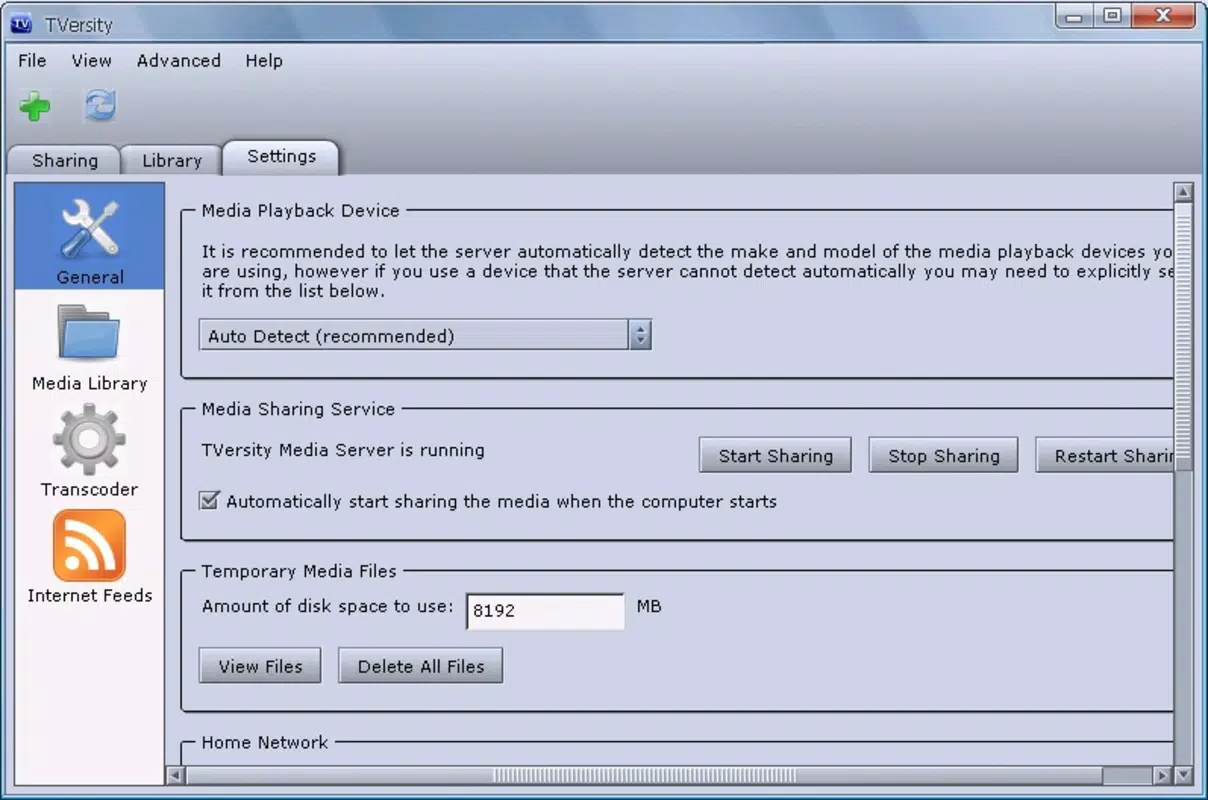
- User-Friendly Setup: The installation and configuration process is designed to be intuitive, guiding users through the necessary steps with minimal technical knowledge required. This accessibility benefits beginners and casual users alike.
- Comprehensive Device Support: While the full list of supported devices is not included in the provided data, the app is known to maintain an extensive compatibility database, which users can verify through the official website.
For example, a user can start a movie on their computer and instantly view it on a PlayStation 3 in the living room without re-encoding or transferring files. Similarly, a family member could stream a photo album from a shared library to a tablet during a gathering, enhancing social interaction through shared digital memories.
Interface, UX & Performance
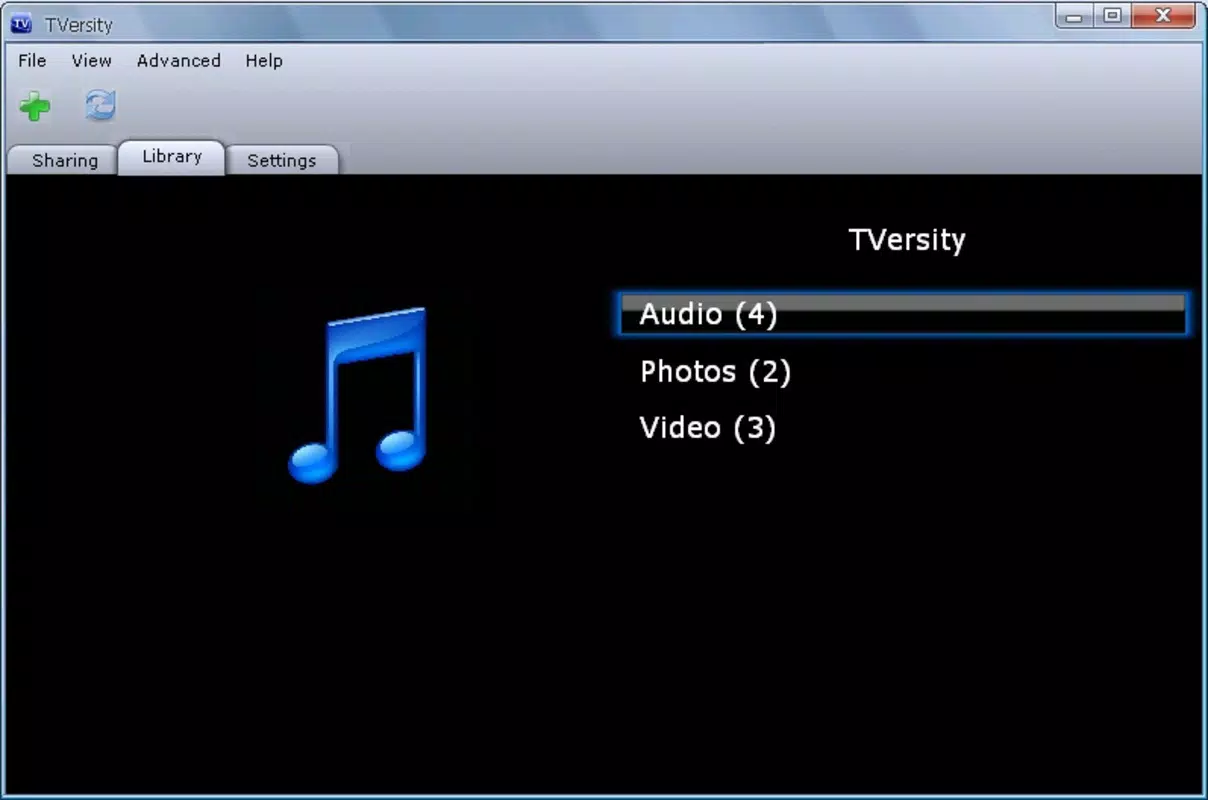
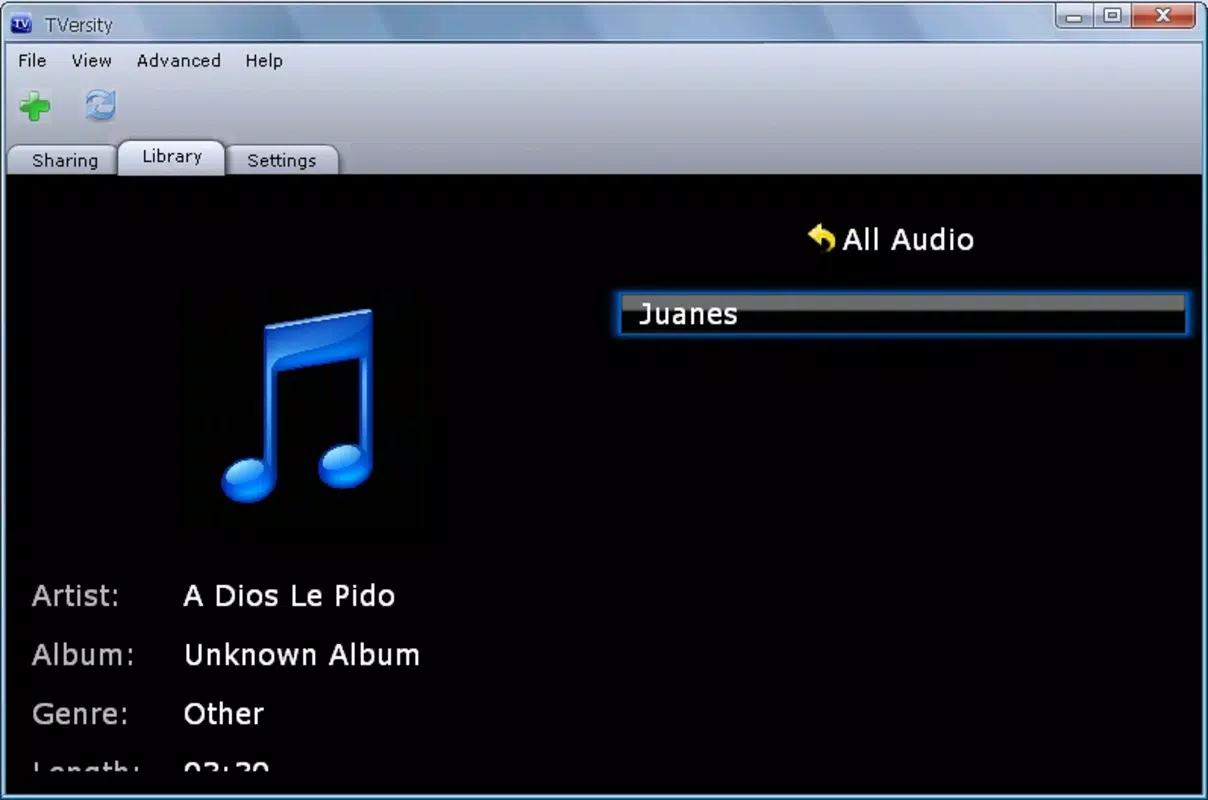
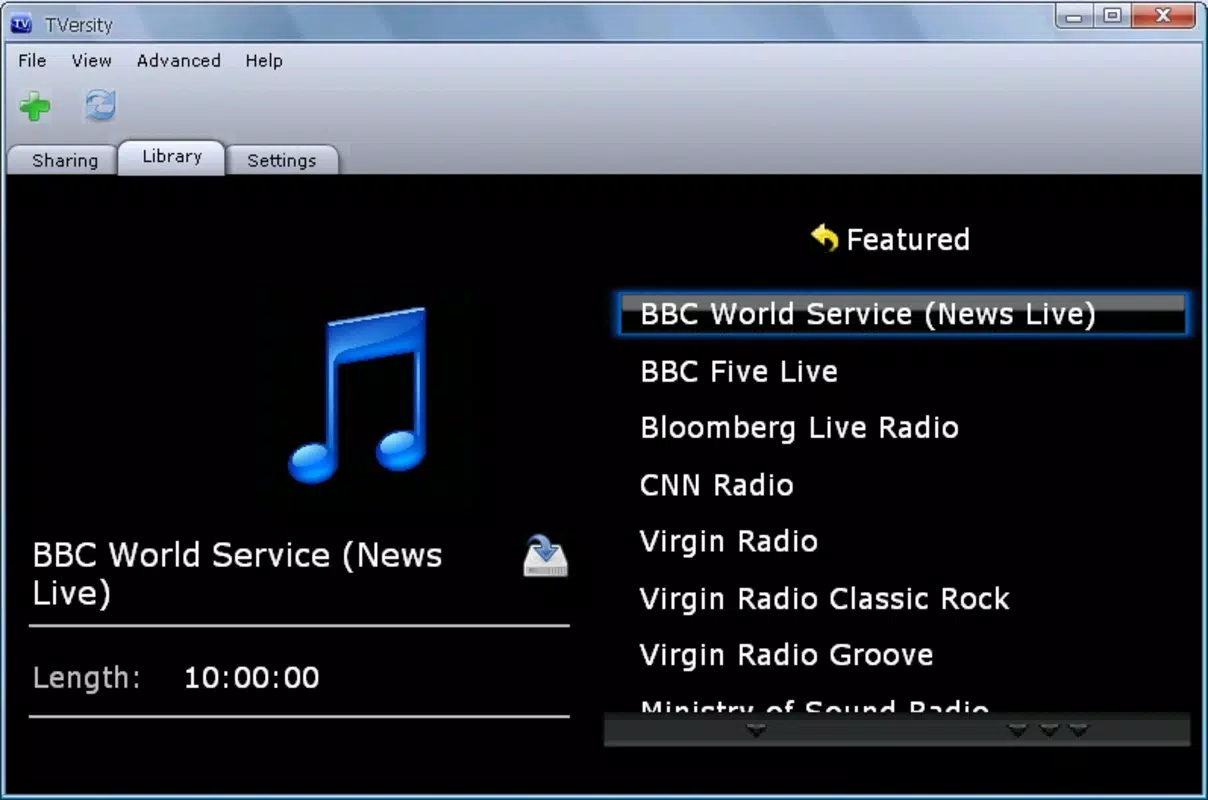
The interface of TVersity is designed with simplicity and functionality in mind. It presents a clean, organized layout that categorizes media into distinct sections such as videos, music, and photos. Navigation is straightforward, with intuitive icons and menu options that allow users to browse their library with minimal effort.
Visual style leans toward minimalism, prioritizing content over decorative elements. This focus enhances usability, especially on smaller mobile screens. The app responds quickly to user inputs, maintaining smooth transitions between menus and media playback.
Although the developer did not list formal performance metrics, the app’s lightweight footprint of 10.4 MB suggests efficient resource usage. It is expected to operate smoothly on a variety of Android devices, including older models, without significant lag or crashes. Stability appears to be consistent, particularly within a controlled local network environment.
Responsiveness is a key strength, with minimal delay when selecting files or switching between devices. The app maintains playback continuity even during brief network fluctuations, a crucial factor for uninterrupted streaming. Overall, the user experience is optimized for ease of use and reliability in home settings.
Platform Compatibility & Technical Requirements
TVersity is available for the Android platform, with a current version of 2.3.0. The app has a file size of 10.4 MB, indicating a compact and lightweight design suitable for devices with limited storage. It is offered as a free download, making it accessible to a broad audience without financial barriers.
The developer did not specify minimum OS requirements or compatibility details beyond the platform. As such, users should verify whether their device meets the necessary conditions for installation and operation. Compatibility information was not fully disclosed, so it is recommended to consult official sources for updated device support.
Given the app’s release date in 2014, users should exercise caution when installing on modern Android versions, as older applications may face compatibility issues due to evolving system permissions and security protocols. However, the app’s continued availability suggests ongoing support or community maintenance.
Pros and Cons
Pros
- Free to download and use, making it accessible to all users.
- Lightweight size (10.4 MB) ensures minimal storage impact.
- Supports a wide range of devices, including gaming consoles and mobile platforms.
- Automatic on-the-fly encoding enhances compatibility and reduces user effort.
- Efficient local network streaming minimizes latency and maintains playback quality.
Cons
- Specific technical requirements were not listed.
- Compatibility with modern Android versions is uncertain due to the app’s age.
- Developer did not provide detailed support or update history.
- Interface may appear outdated compared to current mobile design standards.
- Real-time encoding may require sufficient processing power from the host computer.
FAQ
Is TVersity safe to download and install?
Yes, TVersity is a legitimate application designed for media streaming. As it is free and distributed through official channels, it is considered secure for users who download from trusted sources.
Can I use TVersity on my iPhone or iPad?
While TVersity is available for Android, the provided information does not confirm iOS compatibility. Users should check the official website for updated platform support.
Does TVersity require a constant internet connection?
No, TVersity operates using a local network connection. It does not require an internet connection to stream media from a computer to compatible devices within the same network.
How does on-the-fly encoding work?
On-the-fly encoding automatically converts media files in real-time to a format compatible with the target device. This ensures smooth playback without requiring users to manually re-encode files.
Is TVersity still being updated?
The developer did not provide information on update frequency. Given the app’s release date in 2014, it is unclear whether active development or maintenance is ongoing.
Final Thoughts
TVersity remains a functional tool for users seeking a straightforward way to stream multimedia content across devices within a local network. Its ability to handle diverse formats through automatic encoding and its broad device support make it a practical choice for home entertainment setups. While its age raises questions about modern compatibility, the app’s lightweight design and free availability offer lasting value.
It is best suited for users with older Android devices or those who maintain a stable local network environment. For multimedia enthusiasts and families looking to centralize their digital content, TVersity delivers a reliable, no-cost solution. The combination of ease of use, efficient streaming, and cross-device functionality underscores its relevance in niche but important use cases.
Download TVersity now


